Home / In this tutorial
12 Axes tutorial: from first question to results
Follow four illustrated steps to choose a version, answer the quiz, interpret your scores and compare with a friend.
Choose a test version →1. Choose a version
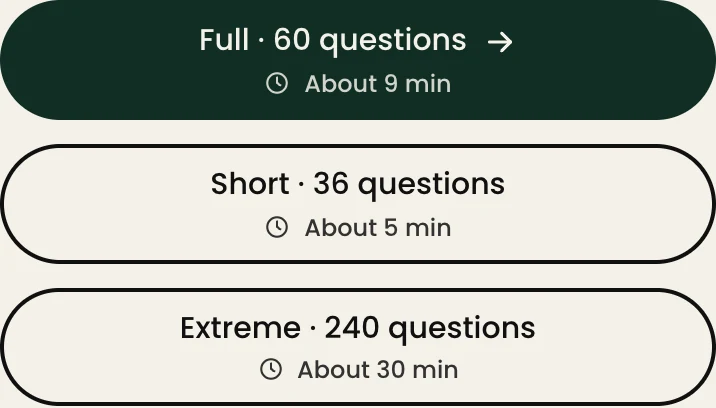
Start with 36 questions (about 5 minutes) for a first look, choose 60 (about 9 minutes) for more examples on each axis, or answer all 240 (about 30 minutes). Every version covers the same 12 axes.
2. Answer a statement at a time
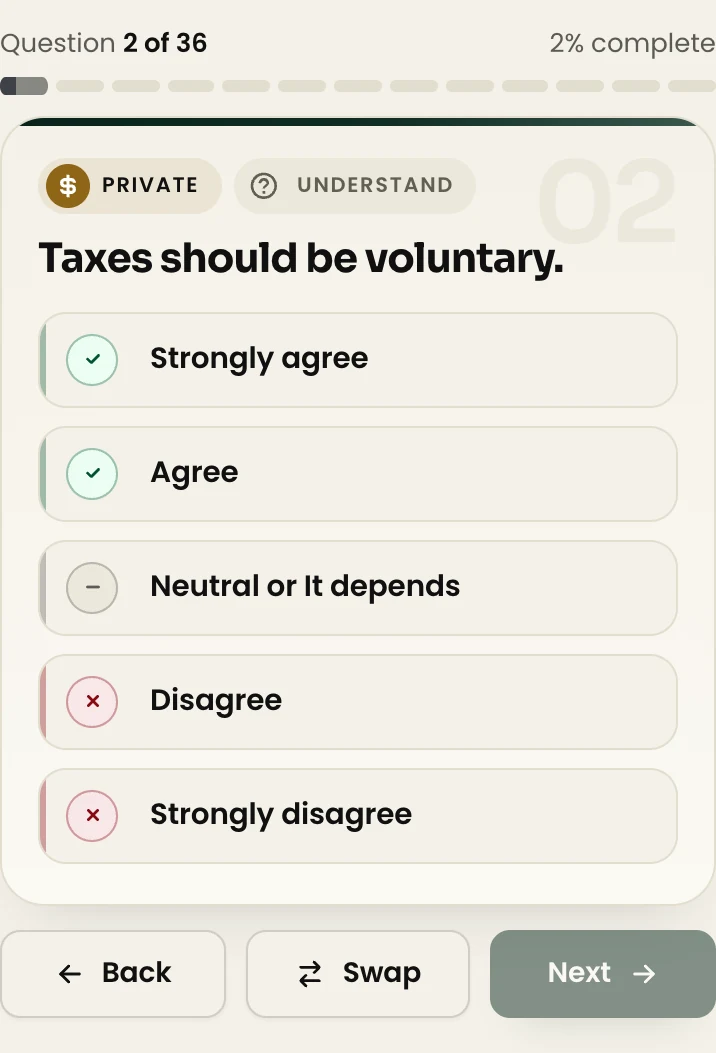
Choose how strongly you agree or disagree, or pick the middle option if you are undecided. Tap Understand to see the context of the question. Use Back to revisit an answer. In shorter versions, Swap lets you replace a question with one on the same axis when available.
3. Read the twelve scores
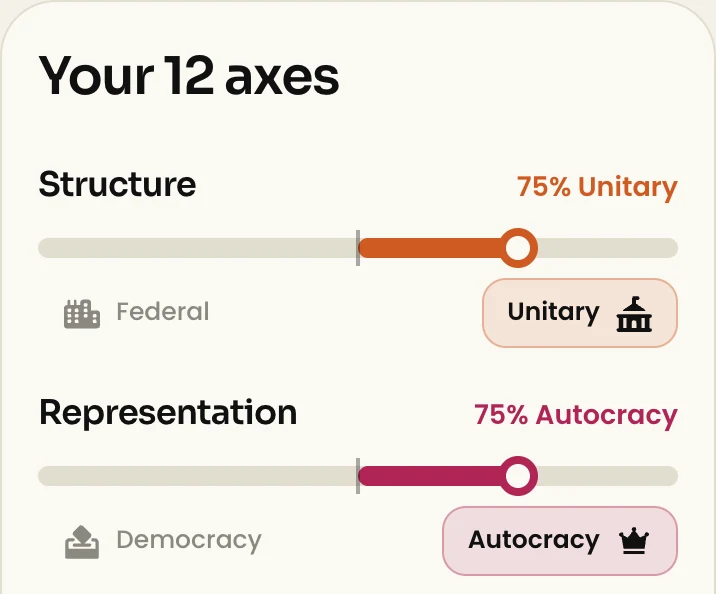
Start with the axis bars. A dot near the middle indicates a score close to 50/50; a dot farther toward either end shows a stronger lean toward that value. The match percentage measures similarity to a reference profile. It does not describe how common your result is.
4. Save, share and compare
Use Save result card to download an image. Use Invite a friend to send the same questions in the same order. When your friend finishes, they can share the side-by-side comparison. If you both already have results, you can compare two existing result links.


Before you start
Do I need an account?
You can take the test and see your result without an account.
Can I stop and come back?
Continue from the home page on the same browser. If you clear its site data or switch browsers, that saved progress may be unavailable.
Why might a second attempt show a different result?
The 36- and 60-question versions can draw different statements on each attempt, even at the same length.